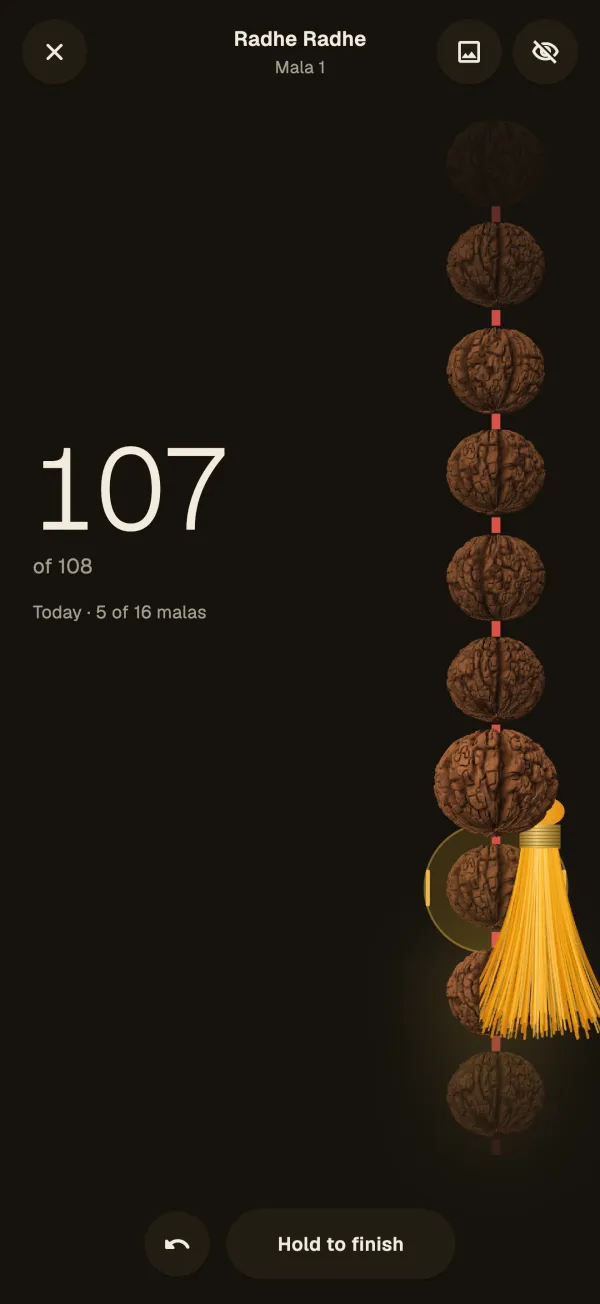
What it does
A japa counter you have to watch is a distraction from the japa. Japo gives you three ways to count without looking, all free: a tick you can feel for each bead, the volume buttons, and the count on your lock screen.
How it works
- Feel every bead. Each bead gives a soft haptic tick, and the sumeru gives a firmer one as it passes at 108, so you know a round is done without opening your eyes. Settings has a row to test the tick.
- Count with the volume buttons. While the counter is on screen, volume up counts one and volume down undoes one. The media volume does not move, and holding a key counts once, not a stream.
- Keep going from the lock screen. While a sitting is running, the count waits on your lock screen with +1 and Undo. It only ever says "Japa" and a number, never what you chant.
The three ways compared
| Haptic tick | Volume buttons | Lock screen | |
|---|---|---|---|
| Best for | Eyes-closed sittings | Phone in a pocket or bag | Phone locked between rounds |
| Needs the screen on | Yes | Counter on screen | No |
| Shows your mantra | Yes, on the counter | Yes, on the counter | Never |
| Cost | Free | Free | Free |
What it feels like
On a train, the phone stays in your jacket pocket. Your thumb rests on the volume button, and each press is one mantra. No one around you sees a screen. At home, eyes closed, you pull the strand and count the ticks; the firmer one at the sumeru tells you to turn the round. The japa on a commute page has a plan for exactly this.
If you lose your place
You do not need to keep a second count in your head. Japo saves each bead as you count it, including the bead you reached before a call or a restart. Open the unfinished sitting to continue from that number. If you counted once too many, use Undo or volume down while the counter is on screen. The firmer tick at 108 tells you a full mala is complete without checking the display.
For beads, round markers and handling an uncertain total, read how to keep count of japa without losing focus.
Who it is for
Anyone who chants with eyes closed, chants while travelling, or simply does not want a glowing screen in a quiet room.
Frequently asked questions
Why can I not feel the tick on my iPhone?
System Haptics must be on, in the iPhone's Settings under Sounds and Haptics. Japo's own Settings has a row to test the tick.
Does the lock screen show my mantra?
No. It shows only the word "Japa" and the count, with +1 and Undo. Notifications are asked for only when you turn the lock-screen counter on.
Do the volume buttons change my phone's volume while counting?
No. While Japo's counter is on screen, the volume buttons count and undo, and the media volume stays where it was.
How can I keep my japa count without looking at my phone?
Pull one bead for each repetition and feel its tick. At 108, a firmer tick marks the end of a mala. If you prefer a button, volume up counts and volume down undoes while Japo's counter is on screen. Each count is saved, so an interruption does not send you back to zero.
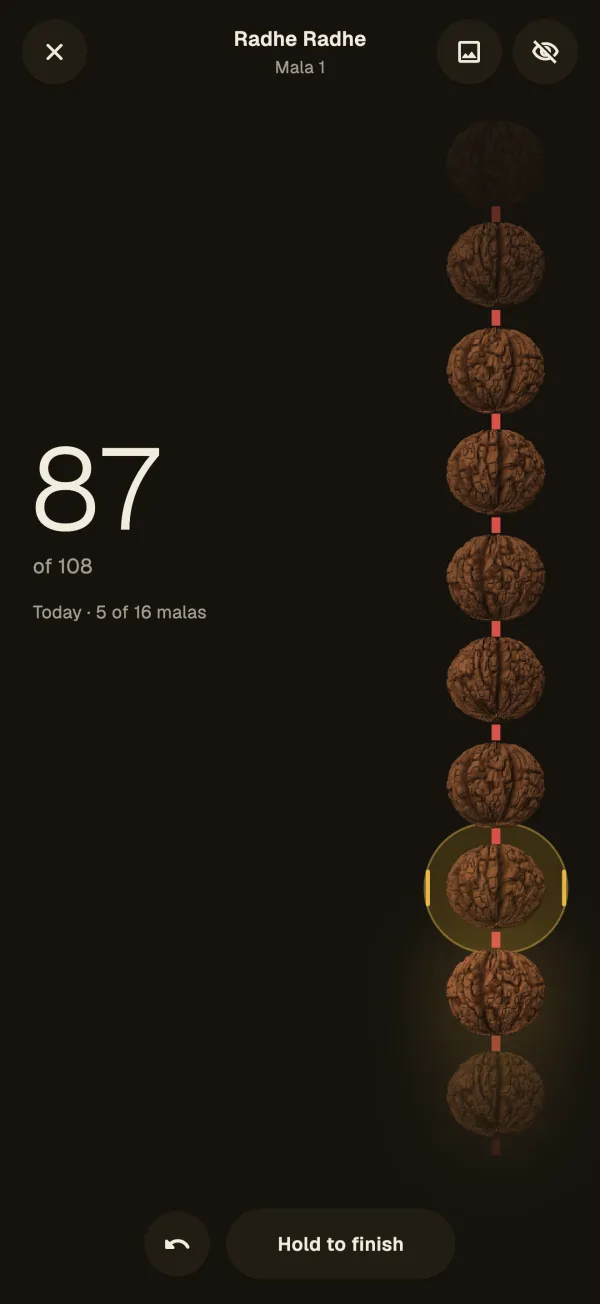
Japo for iPhone
Begin your next mala.
 Pull a bead with your thumb and feel a soft tick, eyes closed.
- Pick up exactly where you stopped, even after a call.
- Every sitting kept, with your mantra in your own script.
Counting, history and goals are free.